Memory mate vs. team composite: what's the difference?
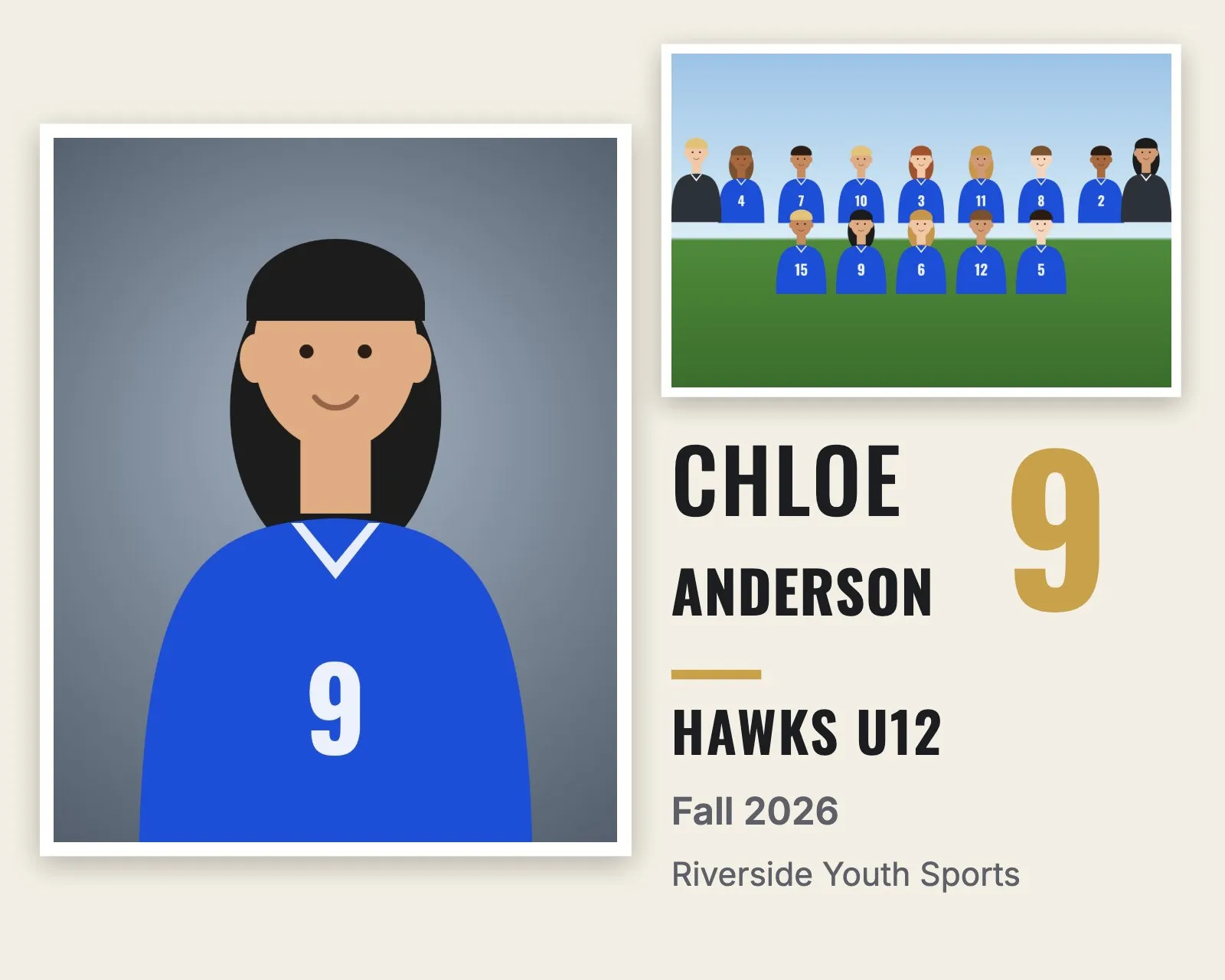
Both are standard products in youth sports photography, and both combine the team photo with individual photos. The difference is whose photo is the star.
| Team composite | Memory mate | |
|---|---|---|
| Shows | The team photo plus every player's headshot, name and number | One player's portrait plus the team photo, with that player's name and number |
| Files per team | One | One per player |
| Common sizes | 10 × 8", 14 × 11", 8 × 10" | 10 × 8" or 7 × 5" side by side, 8 × 10" or 5 × 7" player card |
| Who buys it | Parents, coaches, leagues and sponsors | Parents of each player |
| Why people love it | The whole season and every teammate on one print | Their own kid in the spotlight, with the team |
What is a team composite?
A team composite, sometimes called a team collage or composite team photo, puts the team photo at the top and a grid of headshots underneath. Each headshot has the player's name and jersey number, and coaches are labeled. The header shows the team, league or club and season. It's the team's yearbook page on one print.
See team composite examples in different styles and colors.
What is a memory mate?
A memory mate is made for one player. It shows that player's portrait next to the team photo, with their name, number, team and season. The classic layout is side by side. A newer layout looks like a trading card, with a name banner and number badge.
Which should you offer?
Most volume sports photographers offer both. The memory mate is the personal product that sells to almost every parent. The composite is the team product that coaches and families want as a keepsake. A package with both usually sells better than either alone.
Making both for a whole league
Because a memory mate is one file per player, it's the product that takes longest to make by hand. RosterFrame makes the composite for every team and the memory mate for every player from the same folders, in one export. Read how to make team composites for a whole league or how to make memory mates.
Try it with your own photos. Free during beta, no signup, runs in your browser. Your photos never leave your computer.
Open RosterFrame