Team composites for dance, cheer and swim teams
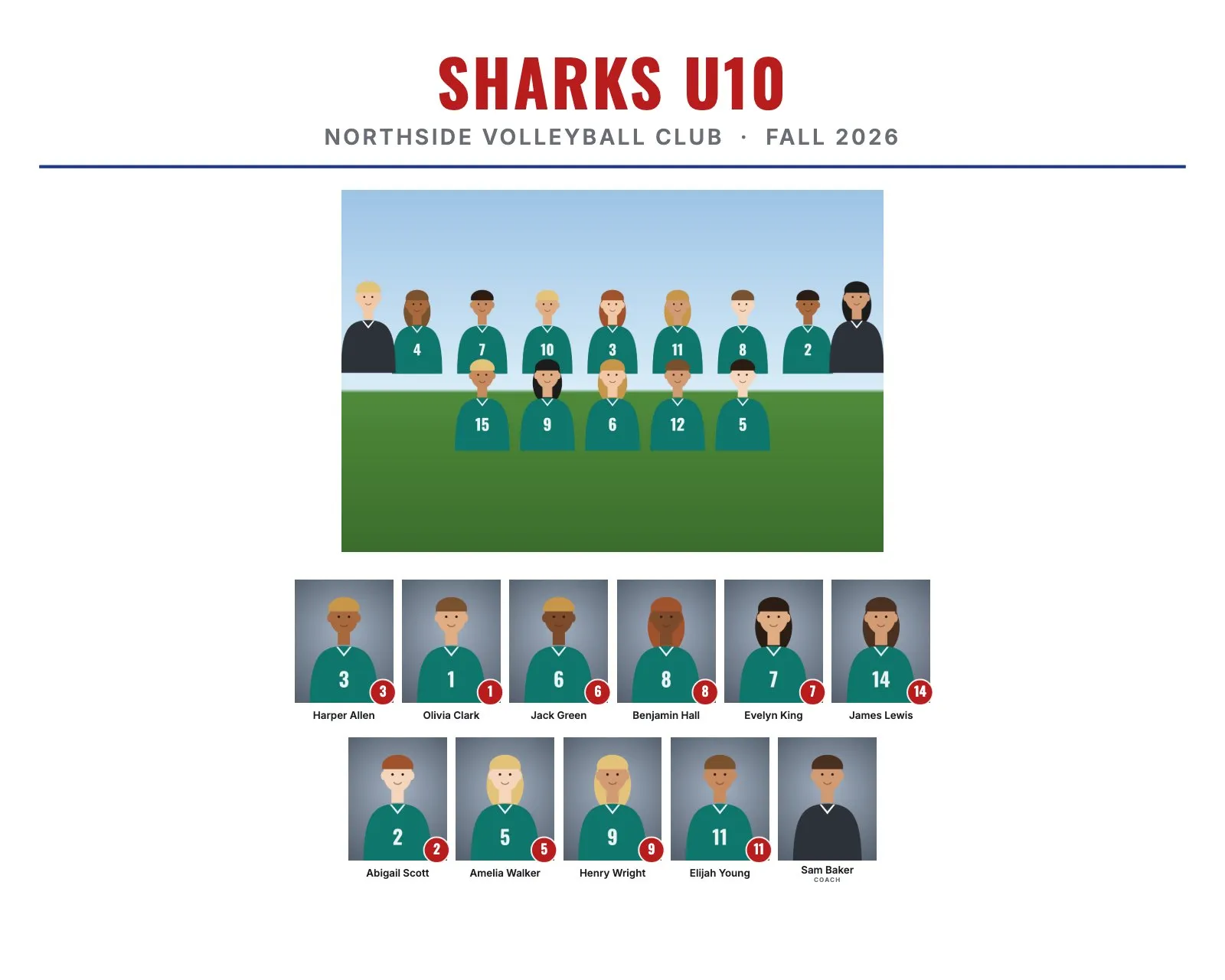
Not every team has jersey numbers. Dance studios, cheer squads, swim and dive teams, gymnastics clubs and school clubs still want a team composite with every member's photo and name. The workflow is the same as for any sports team. You just leave the numbers off.
Set up your folders
- One folder per team, class or squad, for example
Spring Recital/Junior Jazz/. - Name each photo with the member's name, like
Mia_Lopez.jpg. No number needed. - Name the group photo
Team.jpgorGroup.jpg. - Put "Coach" in the file name for coaches. In RosterFrame they are labeled as coaches on the print.
No time to rename files? Use a roster CSV with a File column and the names.
Turn off jersey numbers
In RosterFrame, uncheck "Show jersey numbers". The name plates then show only names, and the layout stays balanced. Sort members by first or last name.
Pick a style that fits
| Group | Style idea |
|---|---|
| Dance studio classes | Clean style in the studio colors, white background |
| Cheer squads | Bold style in the school colors |
| Swim and dive teams | Classic or Clean in blue and white |
| Gymnastics clubs | Clean style with the club logo |
Add the studio or club logo, the event name (for example "Spring Recital") and the year. See examples of each style.
Large groups
Big squads and swim teams can have 30 or more members. Use a landscape 14 × 11" print so each face stays big enough, and let the layout fit the rows to the group size automatically. For more about sizes, see the print size chart.
Memory mates work too
Each member can get their own memory mate with their portrait, the group photo and their name, without a number. They are popular as recital and season-end keepsakes.
Try it with your own photos. Free during beta, no signup, runs in your browser. Your photos never leave your computer.
Open RosterFrame